Skip to content

Work items

Less to remember.
One place
for the work.

Routine checks in a spreadsheet. A repair in a message. Bring planned and reported work into one place, with an owner, a due date and the history behind it.

Book a demoFacilitySight Next pilotFirst year free
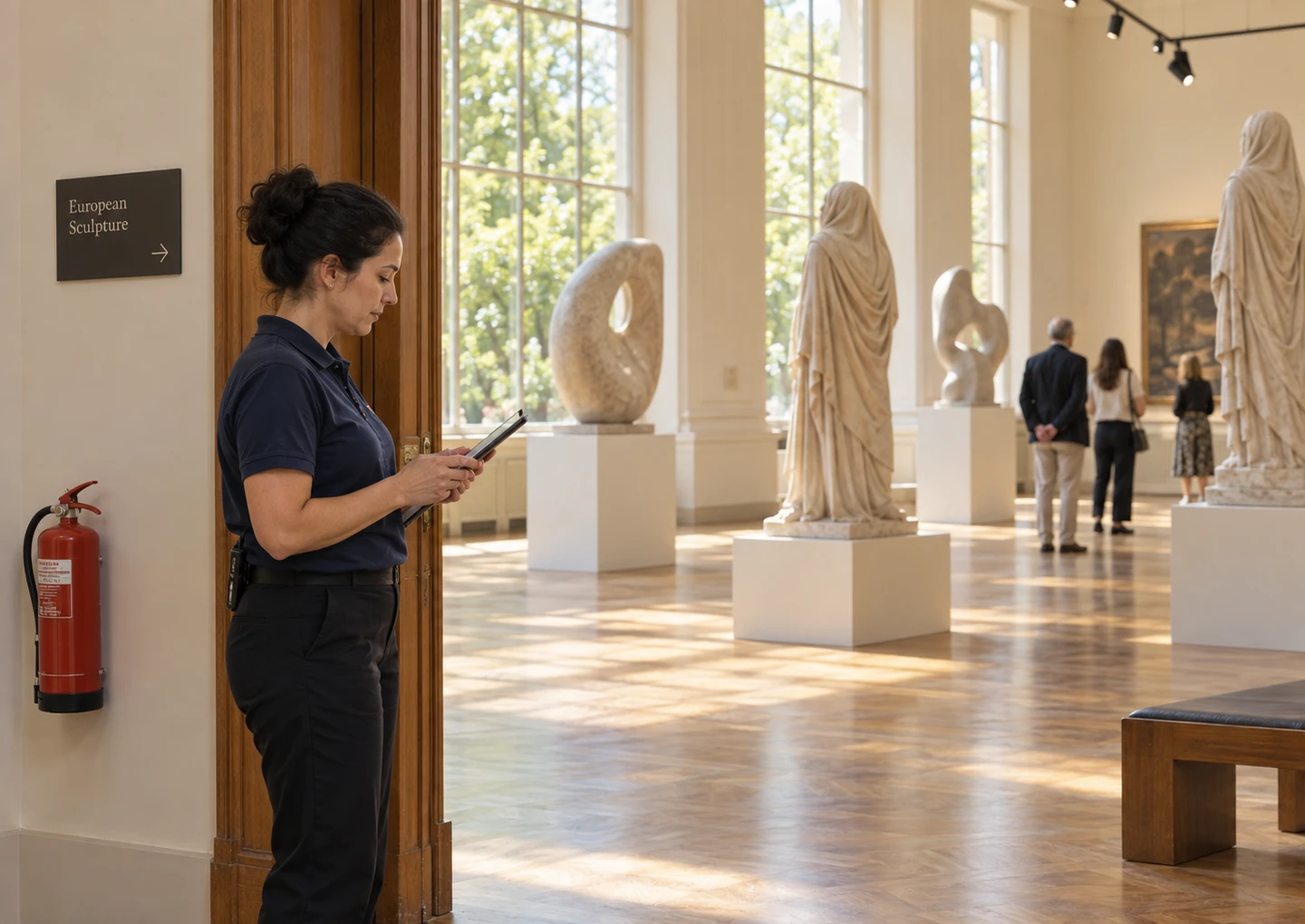
A facilities team member recording a check in a sunlit museum gallery

Work in different places.

  • In a spreadsheet

    Fire extinguisher checks
  • In someone’s head

    Remember to check the lights.
  • In a message

    There’s a leak by the entrance.

FacilitySight Next pilot

First year free.

Then $120/year. One flat rate for your whole organization, locked in for pilot partners.

Use Work Items without people-counting hardware. Staff Scheduling is included in the standalone pilot.

Staff Scheduling and Work Items are included with people counting at no additional fee.

Join the pilot waiting list

We’ll follow up with pilot details and next steps.

Explore software purchasing

Recurring work

Plan it once.
Keep every check accountable.

Set the frequency, owner and checklist for routine work. Each recurrence generates its own work item, so this month’s findings stay separate from the next check.

Use it for opening checks, room equipment and scheduled inspections. The next shift can see what was done and what still needs attention.

October 9, 2026

Fire extinguisher checks

Assigned to
AMAlex Morgan
Next due
Sun, Nov 1, 2026
Checklist

1 of 4 steps complete

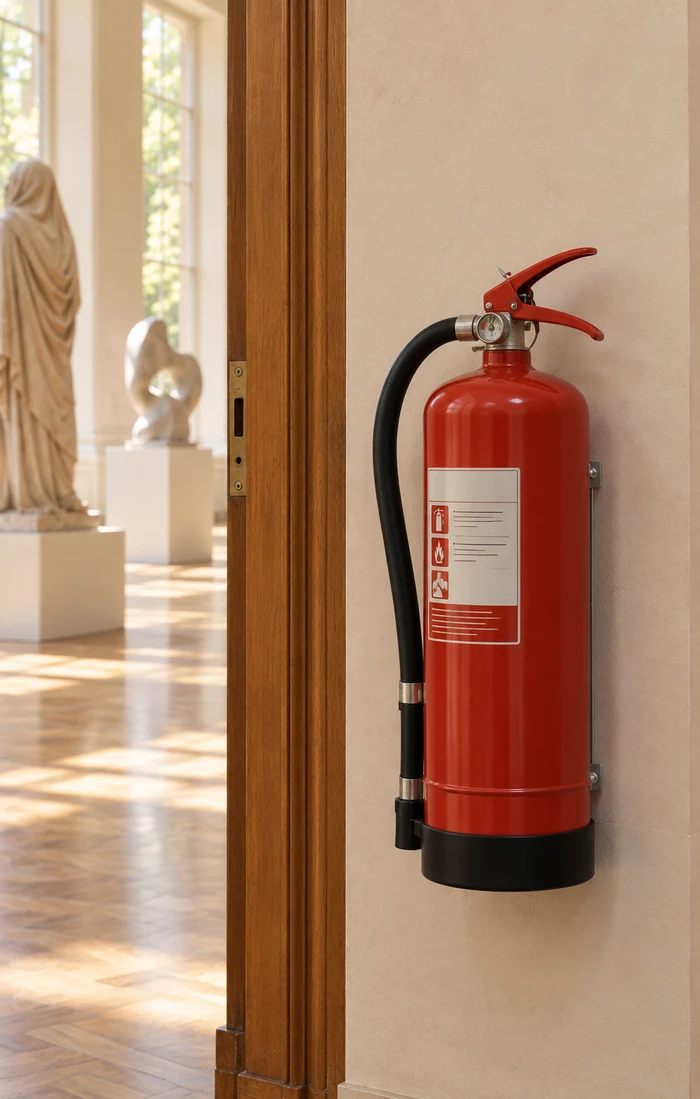
A fire extinguisher beside the gallery entrance

Reports from the floor

Make problems
easy to report.

Give staff a way to report from a phone or desktop, with the location, space and a photo of the problem. The person reviewing it has context before assigning the work.

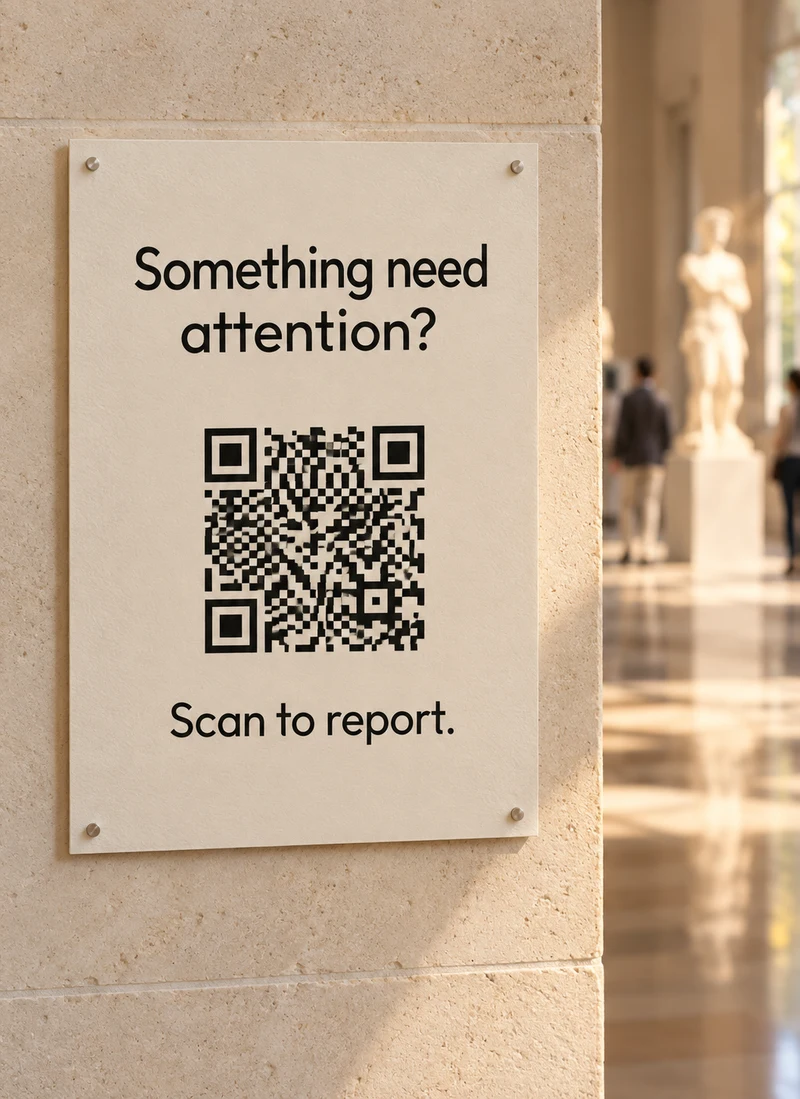
When enabled, public reporting and printable QR codes let visitors flag an issue, too. Existing reporting workflows can connect through the API.

A printed museum sign reading Something need attention? Scan to report.

Local preview · nothing is sent

Report an issue

Photo (optional)
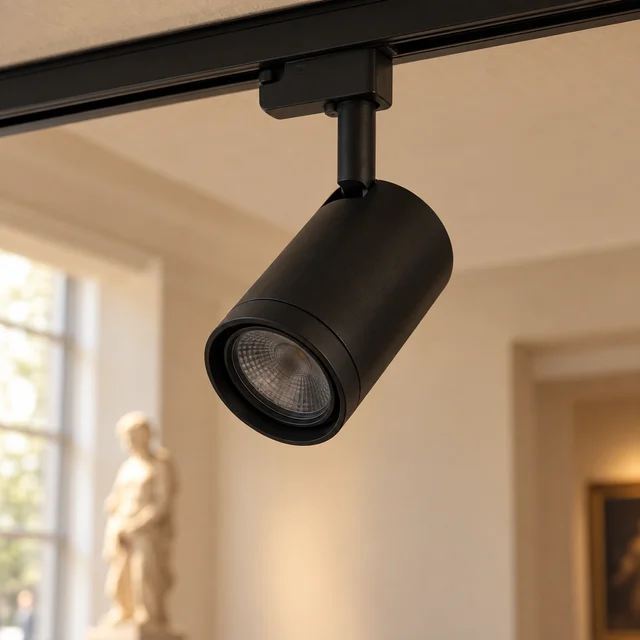
An unlit gallery spotlight attached to a ceiling track

Ownership & progress

An owner.
A priority.
A visible next step.

Review incoming reports, choose who handles them and set a due date. Keep the space, photos and comments with the work.

A repair waiting for parts still needs an owner. Mark it blocked and record what the team is waiting for, so the next shift can pick up the conversation.

Select an item to explore

Broken exhibit light

In progress
Location / space
Sculpture gallery
Assigned to
SRSam Rivera
Due date
Mon, Oct 12, 2026
Priority
Medium

Photos

The gallery spotlight reported for repair

Progress notes

SR

Oct 9, 2026 · 1:42 PM

Replacement lamp ready. Checking the fitting before installation.

JS

Oct 9, 2026 · 10:17 AM

Reported: broken exhibit light.

Resolution & handover

Keep the fix.
And the story behind it.

Record what was repaired and how it was checked. Completion notes and history stay with the item, so colleagues can understand the work without tracking down the last person on shift.

If the problem returns, reopen the item and keep its earlier resolution in view.

Back to the work

Resolved repair

Broken exhibit light

Resolved
  1. Reported

    Reported broken exhibit light.

  2. Assigned

    Assigned to Sam Rivera.

  3. Resolved

    Replaced the lamp and checked the fitting.

Item resolved. Completion history retained.

Work planning

See disruptive work
beside the day’s events.

A due date says when work must be finished. Use optional start and end times to show when work occupies a space.

Bring work, events and closures together in Month, Week and Agenda views, with warnings when disruptive work overlaps an event or other disruptive work in the same space.

Community room · October 17

9:00–11:00
Carpet deep clean

Work · disrupts the space

10:00–12:00
Community craft fair

Event · same room

Overlap: 10:00–11:00. Review the work window before the room is needed.

Warnings inform the decision; they do not prevent saving.

Organize different kinds of work

Configurable work streams, categories and waiting reasons for maintenance, technology and other operational teams, with optional supervisor review before resolution.

Understand where work stalls

Reporting on resolution time, reopened items, blocked time and recurring-work completion, with scoped notifications for work changes.

Configured follow-up

Connect a report
to the work it needs.

When configured by your organization, incident reports or Safety alerts can connect to Work Items for follow-through. A team member can set the owner, priority and next step.

Manual task reporting remains a direct way to get a repair into the queue. Your team decides which connections fit its workflow.

Explore Safety & incident reporting

Keep your spaces running
with the right team.

Plan working hours, assign desk coverage and spot gaps before the day starts.

Explore Staff Scheduling

Keep every task
moving forward.

See how your team can report, assign and resolve work in FacilitySight.

Book a demo