Read the video transcript
Narration from the final overview, with descriptions of the visuals.
0:01 The platform
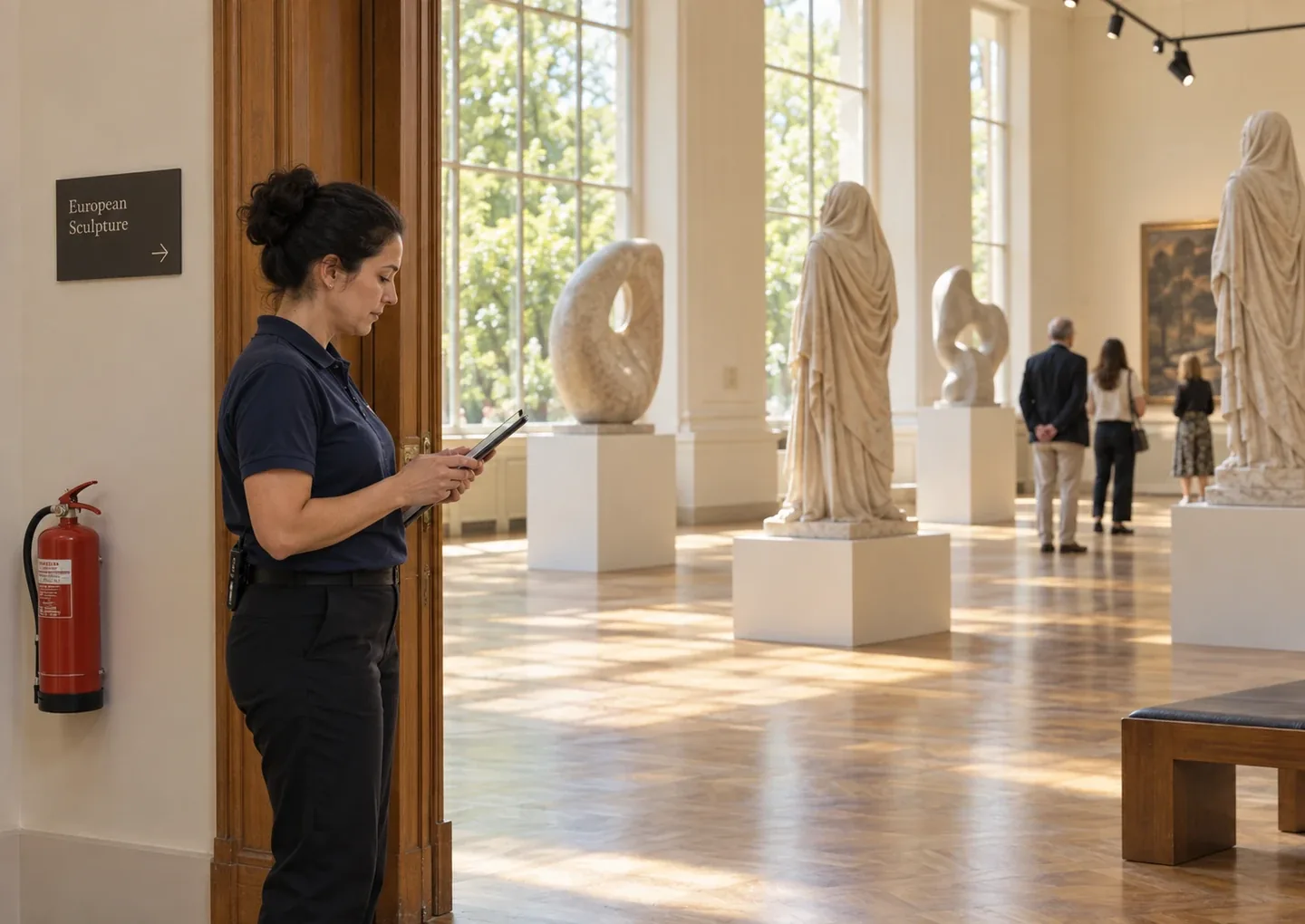
FacilitySight connects people counting and environmental sensors with software built for libraries, museums, campuses, and other shared spaces.
On screen: People use a shared building. On-screen text: “Run your building based on how it’s actually used.” Cards show libraries, museums, campuses and other shared spaces.
0:10 People counting and events
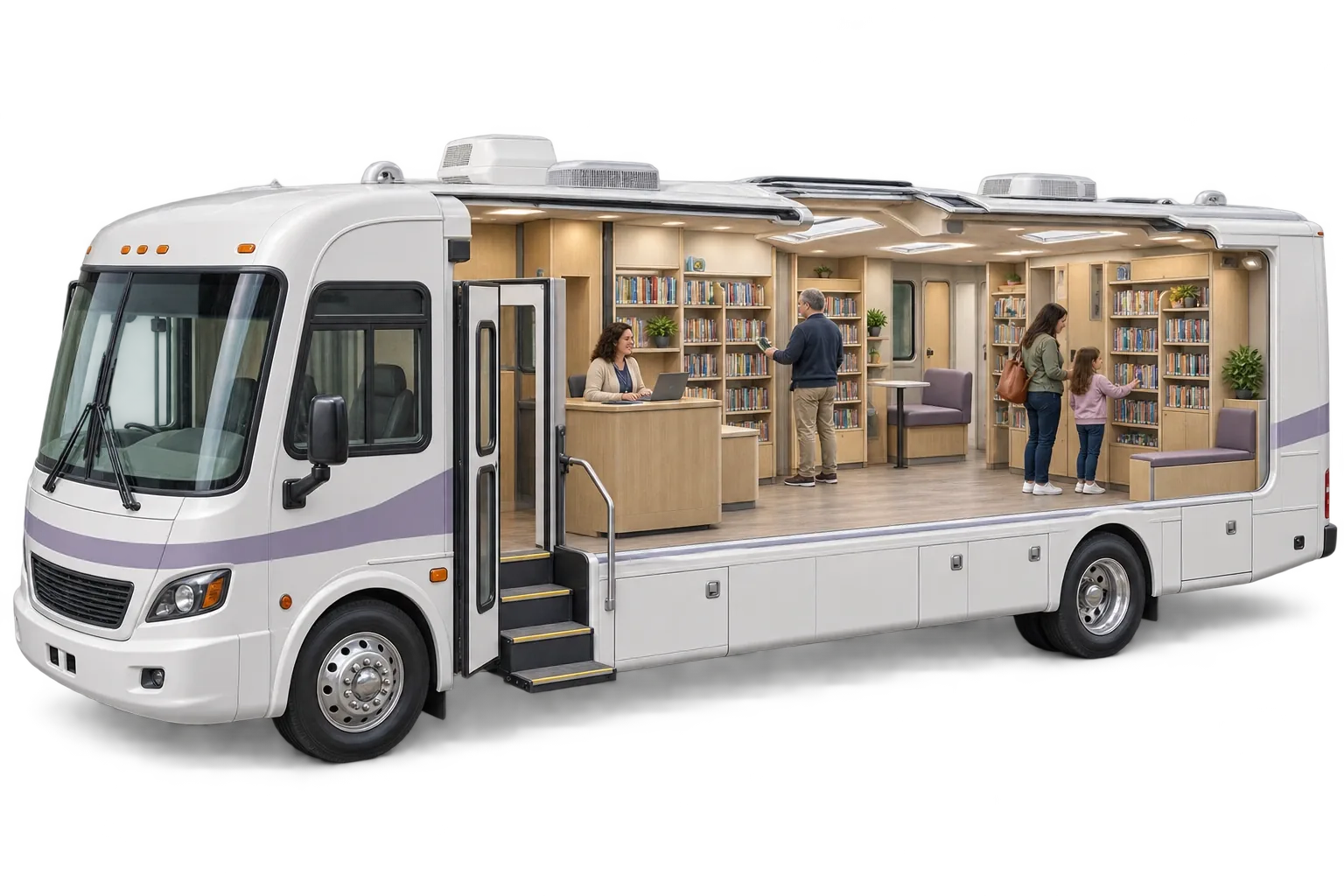
Overhead sensors count visitors as they pass beneath, at entrances, in individual spaces like a children's area or meeting room, and even aboard outreach vehicles like a bookmobile. Import events from the platform you already use and see how visitor activity responds to your programs and shifts over time.
On screen: An overhead view counts visitors, with the text “Every visit counts. Every visitor stays anonymous.” An illustrated building shows occupancy by space, a bookmobile shows counts on an outreach vehicle, and a program chart compares visitors over time.
0:31 Environmental conditions
Environmental sensors track air quality, temperature, humidity, and leaks, so you can keep spaces comfortable and protect books, exhibits, and other collections.
On screen: Example cards display air quality, temperature and humidity.
0:42 Safety alerts
FacilitySight safety alerts keep staff informed when it matters most. Get notified when a space reaches its occupancy limit, when public safety alerts are issued for your area, or when sensors detect unhealthy conditions or critical maintenance issues.
On screen: A phone notification illustrates an alert reaching a staff member, alongside occupancy limits, public safety alerts, unhealthy conditions and critical maintenance.
0:59 Work Items
Manage planned maintenance and unexpected incidents with work items. Assign responsibility, schedule recurring checks, and follow every task through to completion.
On screen: A work queue shows open and in-progress items, with priorities and assignees, and a panel of recurring checks.
1:11 Staff Scheduling
Staff scheduling is built with flexibility in mind. Plan on-desk and off-desk time. Assign primary and secondary duties without double-counting hours. Manage time off, and let staff clock in and out with built-in time punches. When there's a gap in coverage, FacilitySight flags it and suggests who can fill it, based on staff skills or who has worked that service point before.
On screen: A day schedule shows desk assignments and supporting duties. A highlighted coverage gap offers a Find cover action and lists who could cover.
1:37 Ways to use FacilitySight
Choose the complete platform, or get staff scheduling and work items on their own. Whether you manage one location or many, FacilitySight helps you understand what's happening and coordinate what happens next.
On screen: Cards show Staff Scheduling and Work Items available on their own, without people-counting hardware. A map shows multiple facilities.
1:50 Next steps
Find the sensors and software that fit your facilities. Book a demo or request a quote at facilitysight.io.
On screen: The closing card offers Book a demo and Request a quote.